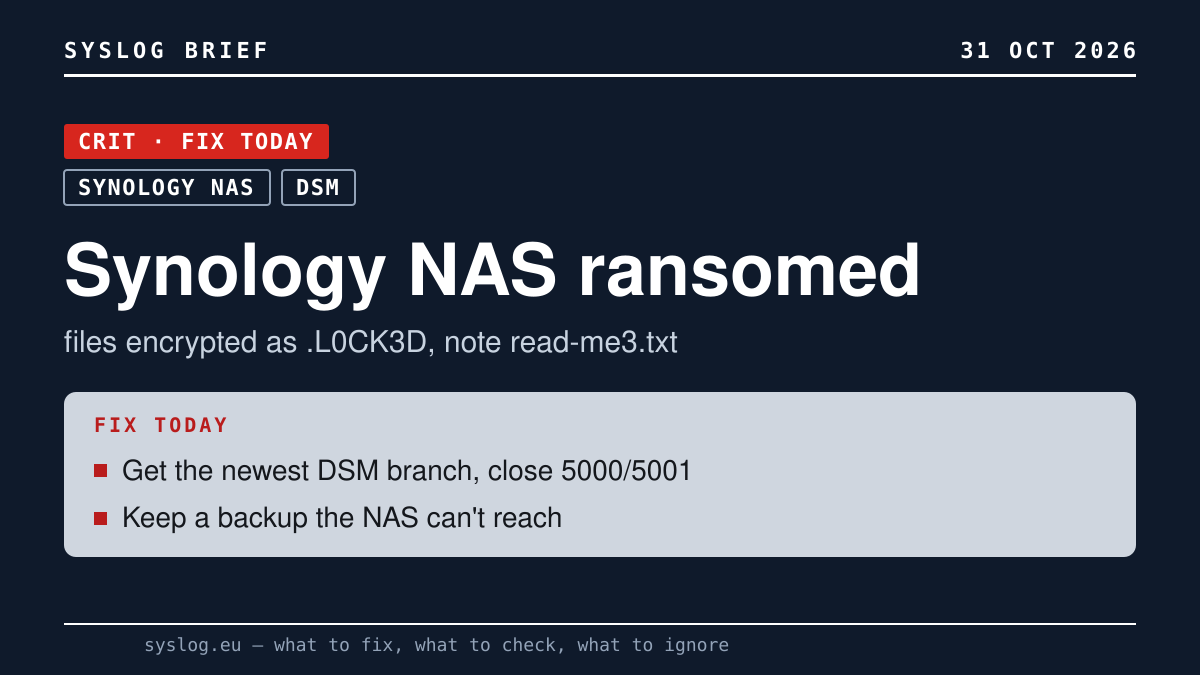
Does this concern you?
- Affected: anyone running a Synology NAS, most of all where the DSM login page (ports 5000/5001) is reachable from the internet or the box sits on an older DSM branch.
- Skip it if: there is no Synology box in your office or home.
What to do
- Look in shared folders for files ending .L0CK3D or .LOCK3D and for read-me3.txt notes; reports go back to early October. Found some? Unplug the network cable, don't pay, and give Synology support your DSM version and event logs.
- In Control Panel → Update & Restore, install the newest DSM for your model and turn on automatic updates. On older branches such as DSM 7.1 that screen can say "up to date" while a newer branch exists. DSM 7.4 drops Mail Station and PHP 8.1, so check your packages first.
- Close ports 5000 and 5001 to the internet and use VPN; turn off UPnP on the router, limit or disable QuickConnect, enable 2-step verification.
- Keep an offline or immutable backup apart from the NAS.
What we know – and what we don't
- 360 identifies the ransomware as C3RB3R, a Cerber variant. The way in is disputed. Synology blames a flaw it patched in December 2024 (SA-24:20, including the critical CVE-2024-10441) on devices with outdated DSM. 360 ties its samples to CVE-2026-13639 and CVE-2026-13684, fixed on 18 September 2026 (SA-26:13), which Frandroid describes as flaws letting an attacker read or write any file on the NAS without logging in. Incident-response team Solar published a screenshot of an encrypted NAS on DSM 7.4.1-90080 Update 1, the latest version at the time, without claiming a zero-day: stolen credentials, a third-party package or another compromised service are not ruled out, nor is an update installed after the break-in. Nobody has shown the three describe the same attack chain.
- How many owners are hit is unclear: Frandroid's headline says dozens, 360 multiple requests for help, Synology gives no number. There was no free decryptor as of 30 October.
Why it matters
A NAS often holds the shared drive and, on the same disks, the only backup of it. When its login page faces the internet, one break-in takes both. "We patched" is a weak answer here, because the vendor and the researchers point at different holes. Whoever is right, a NAS the internet cannot reach cuts the risk the most, and a copy of your data it cannot touch is what gets you back if that fails.